
1. Introduction
Nobody wakes up thinking about purchase orders. That’s just the reality. It’s not the exciting part of running a business, and it’s rarely the thing that gets budget priority until something goes wrong: a duplicate payment, a missed delivery, an order that somehow never got approved and now nobody knows who to blame.
For B2B teams, that “something going wrong” moment tends to arrive faster than expected. You scale up, the order volumes climb, more departments get involved, and suddenly the old system, whether that’s spreadsheets, email approvals, or just someone keeping track in their head stops holding up.
That’s the moment people start looking at purchase order software properly. Not just as a way to digitise paperwork, but as something that genuinely controls how money moves through the business before it’s spent.
This blog is a straightforward walkthrough of what to actually look for. Not every feature under the sun is just the ones that matter for procurement teams in the B2B space, where the stakes are real but the resources aren’t unlimited.
2. Why Procurement Teams Are in a Unique Position
There’s a reason procurement is harder than it looks from the outside.
Procurement teams are somewhere in the middle and not in a comfortable way. The informal approach stopped working a while ago, but the full enterprise solution feels like overkill and honestly, often is. What’s needed is a platform that fits what the business actually is right now, not what a software vendor hopes it will become.
Getting this decision wrong is costly. A platform that’s too basic gets outgrown in eighteen months. One that’s too complex never gets properly adopted. Either way, the team ends up back where they started.
3. Feature #1 – Automated PO Creation & Workflow Management
Here’s a scenario that plays out more than it should: a purchase requisition gets submitted, it sits in someone’s inbox for three days while they’re in back-to-back meetings, and by the time it’s approved, the supplier has moved on or the price has changed. Not a disaster, but frustrating and avoidable.
Automation in purchase order software removes that dependency on any one person’s availability. When a requisition is approved, the system generates the PO, pulls in the right vendor details, and routes it through the next step all without someone manually pushing it along.
The error reduction side of this is underrated too. Copy-paste mistakes, wrong vendor codes, outdated pricing these happen constantly in manual processes and they’re surprisingly hard to catch. When the system is populating fields from a master database, that whole category of error mostly disappears.
One thing to watch for when evaluating tools here: how configurable are the workflows? Some platforms give you a fixed process and expect you to adapt to it. That works for some businesses, but if your approval chains vary by department, category, or spend level, you need something that can actually reflect how your organisation makes decisions.
4. Feature #2 – Multi-Level Approval Hierarchies
Spend control sounds simple until you actually try to enforce it consistently across a growing organisation.
The problem with informal approval processes isn’t that people are deliberately bypassing rules, it’s that the rules aren’t clearly embedded in the system. Someone places an order assuming a verbal sign-off counts. Someone else approves something at a level they probably shouldn’t. Finance finds out later and everyone’s pointing fingers.
Structured approval hierarchies solve this at the process level. You define who approves what, at which spend threshold, and in what sequence. The system enforces it every time without exception. A £400 stationery order doesn’t need a director’s signature. A £15,000 software contract does. That logic lives in the platform, not in someone’s memory.
The better purchase order management software platforms also handle the edge cases of what happens when the approver is on leave, how escalation works when a request sits too long without action, and what the process looks like for urgent purchases that need fast-tracking. These are the real-world situations that expose whether an approval system is actually functional or just looks good in a demo.
5. Feature #3 – Vendor Management Capabilities
Managing vendors without a centralised system is one of those things that feels manageable until you try to find something specific: a contract renewal date, a performance issue from eight months ago, the contact name for a supplier your colleague was dealing with before they left.
A proper vendor management module keeps all of that in one place. Supplier records, contract documents, performance history, communication logs. When you need to make a decision about a vendor whether to renew, renegotiate, or move on the information is actually there and accessible.
Vendor portals are worth looking at seriously here. When suppliers can log in, check PO status, and submit invoices directly, it cuts the back-and-forth significantly. The supplier isn’t emailing to ask if their PO was received. Your team isn’t spending half a Friday chasing acknowledgements. The process just moves.
When testing any platform, try onboarding a fictional new vendor from scratch and time how long it takes. Then pull a basic performance report on an existing one. If either of those tasks is awkward or takes longer than it should, that’s a signal.
6. Feature #4 – ERP & Accounting Integrations
A procurement platform that doesn’t talk to your finance systems creates a gap that someone has to manually fill, usually by re-entering the same data in two different places, which is exactly the kind of work that breeds errors and resentment in equal measure.
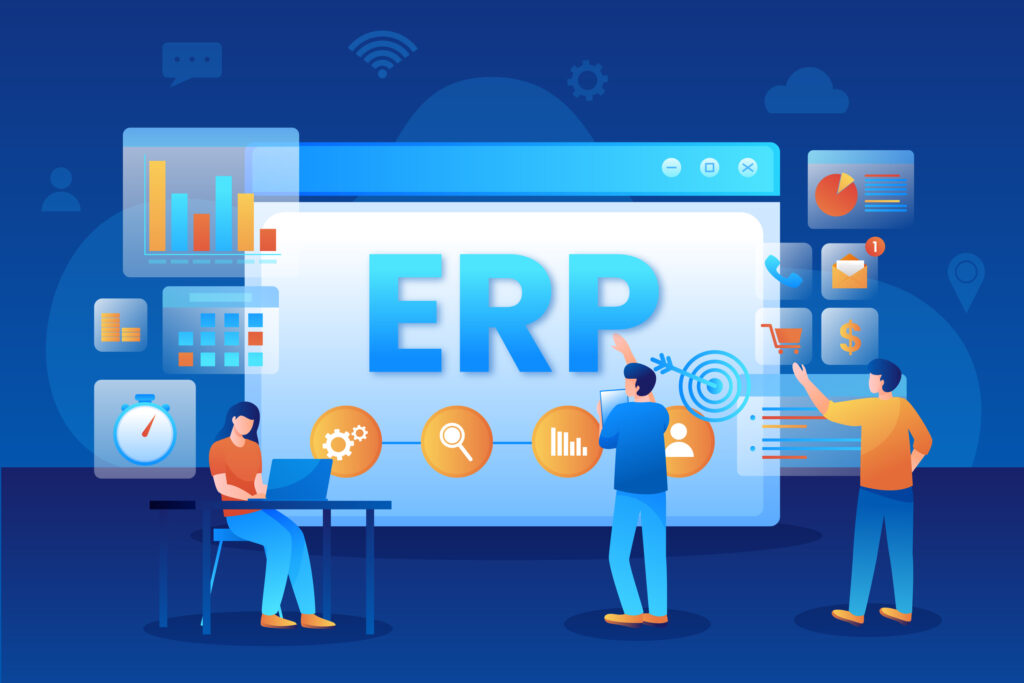
The integration question is non-negotiable. Whatever ERP or accounting software you’re running your purchase order management software needs to sync with it reliably. PO data, invoice matching, budget updates these should flow automatically, not require a manual export at the end of each week.
Native integrations are preferable because they’re maintained by the vendor and tend to be more stable. But open API access matters for anything that isn’t on the standard integration list. Ask vendors what a custom integration actually involves time, cost, ongoing maintenance. Some make it straightforward. Others make it a project.
The finance team’s experience of this matters just as much as procurement’s. If the data coming through from your procurement platform is incomplete or inconsistent, you’ll hear about it.
7. Feature #5 – Reporting & Analytics
The honest version of what reporting looks like in many mid-market procurement teams is this: someone pulls a spreadsheet export once a month, cleans it up manually, and pastes it into a slide for a leadership meeting. It shows what was spent, roughly where, and that’s about it.
That’s better than nothing, but it’s not really analytics. It’s a rearview mirror view of spending that arrived too late to change anything.
Good reporting inside purchase order software should show you spend by department, by vendor, by category in real time, not at month end. It should flag when you’re approaching budget limits before you hit them. It should surface things like vendor concentration risk, approval cycle times, and how often orders are getting amended after the fact.
Crucially, it needs to be usable without technical support. If your procurement manager can’t pull a report independently, the feature isn’t actually functional, it’s just on the feature list.
8. Feature #6 – Real-Time Visibility Across the Procurement Cycle
A lot of internal communication in procurement exists purely to answer one question: where is this order right now?
Has it been approved? Did the vendor confirm it? Is the delivery on track? Has finance received the invoice? These are not complex questions, but without a centralised system, answering any of them requires chasing someone or digging through email chains.
Real-time visibility means the answer is always available without asking. The person who raised the request can see it was approved. The warehouse can see a delivery is coming. Finance can see an invoice is ready to match. Nobody needs to update anyone because the system is the single source of truth.
For businesses operating across multiple sites or managing procurement for several departments simultaneously, this stops being a nice feature and starts being a basic operational requirement.
9. Feature #7 – Compliance & Audit Trail
At some point internal review, external audit, or just a CFO asking questions someone will want to trace a purchase decision back to its origin. Who requested it, who approved it, what the value was, whether it went through the right process.
If that history lives in emails and spreadsheets, reconstructing it is slow, incomplete, and stressful. A proper audit trail logs everything automatically as it happens no extra steps, no manual documentation required.
Purchase order management software with built-in compliance controls goes a step further. The system can block purchases from unapproved vendors, flag orders that deviate from policy, and require additional sign-off when certain rules are triggered. In regulated industries especially, this kind of automated compliance isn’t optional, it’s the baseline expectation.
10. How to Evaluate Purchase Order Management Software Before You Commit
Start with your actual problems, not a vendor’s feature list. What specifically is breaking down in your current process? That answer should be driving the conversation, not a generic RFP template.
Bring in the people who will use it daily. Procurement staff, finance team members, the department heads who are constantly raising requests. If they’re not involved in the evaluation, adoption will suffer and a system that doesn’t get used doesn’t deliver any of the value it promises on paper.
Insist on a real trial environment. A guided demo is a sales exercise. A sandbox where you can run your own scenarios including the awkward edge cases is where you find out what the platform is actually like to use.
Ask detailed questions about implementation. How long does it realistically take? What does data migration look like? Who handles it? What support is available in the first three to six months, not just during the sales process?
And think about where you’ll be in a few years. The platform needs to handle growth of more users, more transactions, more complex approval structures without becoming a problem in itself.
Conclusion
Procurement teams at mid-market B2B companies have genuinely complex jobs, and the tools they use should reflect that. The features covered here automation, structured approvals, vendor management, integrations, reporting, visibility, and compliance aren’t extras. They’re the foundation of a procurement operation that actually holds together under pressure.
The right purchase order software won’t transform your business overnight. But it will remove the daily friction, close the gaps that cost money, and give your team the control and visibility they need to make good decisions consistently.
That’s worth investing time in getting right.